
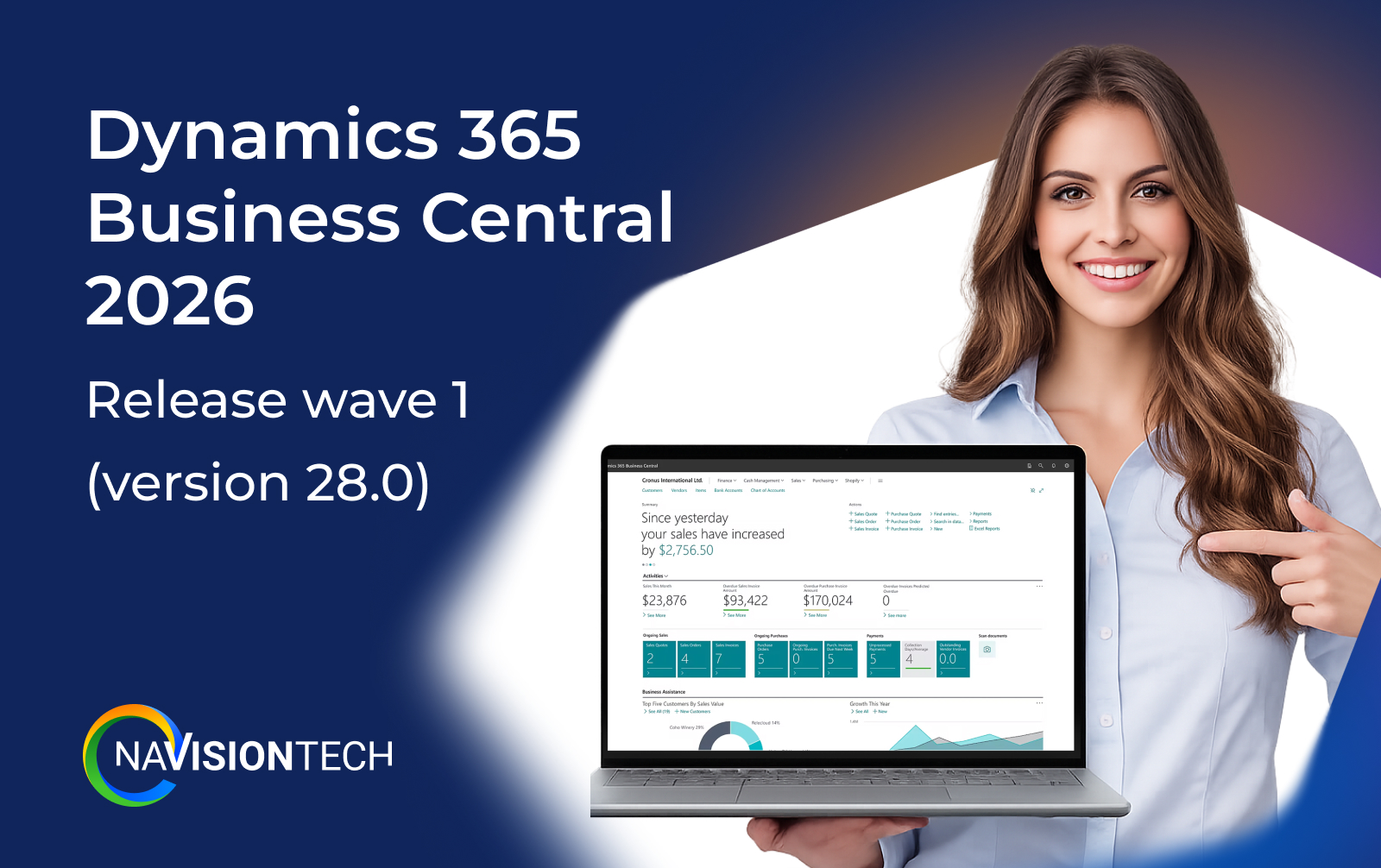
What is new in Business Central 2026 release wave 1 (version 28.0)
Microsoft released update 28.0 as the start of Dynamics 365 Business Central 2026 release wave 1 for online customers in April 2026. This wave runs from April to September 2026 and brings changes across finance, reporting, governance, AI, and ecommerce.
Core goals of the 2026 release wave 1
-
Make Business Central easier to use every day with better reporting, analytics, and Microsoft 365 integration.
-
Improve control, security, and compliance in multi‑environment setups.
-
Add more automation in finance, tax, and electronic documents so teams spend less time on manual work.
Financial management updates in Dynamics 365 Business Central 2026
Finance teams get several new options that reduce manual tax work and improve compliance tracking.
New finance and tax automation features
-
Calculate taxes for plastic and sugar, which helps companies handle new environmental or product‑based taxes.
-
Calculate withholding taxes for vendors so you can track deductions at the source directly in Business Central.
-
Use self‑billed invoices, so your company can issue invoices on behalf of suppliers where local regulations allow it.
How existing users should use these finance features
-
Review your tax setup and see if plastic, sugar, or vendor withholding tax applies to your products or vendors.
-
Work with your accountant or tax advisor to map each new tax type to the right G/L accounts and posting groups.
-
Pilot self‑billed invoices with a small group of vendors to see how much time you save on AP processing before wider rollout.
Reporting and data analysis improvements in Business Central 2026
Reporting and analytics receive important changes that help business users and power users control layouts and insights more easily.
Better control of report layouts and analytics
-
Control the lifecycle of report layouts so your team can manage, update, and retire layouts in a more structured way.
-
Use enhanced demo data for sales, purchasing, and fixed asset analytics to test new dashboards and train users safely.
-
Take advantage of improvements to the Subscription Billing Power BI app and Financial Reporting enhancements for clearer financial views.
-
Modernized analytical reports for inventory give operations teams better insight into stock levels and movements.
How existing users should use the new reporting features
-
Standardize report layouts by agreeing on a small set of “official” layouts for financial, sales, and inventory reports.
-
Use the improved demo data to build and test new Power BI reports without touching live data.
-
Train finance and operations users to switch layouts and filter reports so they can answer common questions without IT help.
Governance, security, and admin in Dynamics 365 Business Central 2026
If you manage more than one environment or work with partners and extensions, the 2026 release wave 1 brings important governance updates.
Stronger admin tools and security features
-
Audit user and group permissions across apps so admins can see which users have access to what and reduce risk.
-
Manage database index usage and cost per company, which helps you understand performance and cost drivers.
-
Migrate to the cloud from any SQL database, which simplifies moving older on‑premise systems into Business Central online.
-
Connect AI agents to the Admin Center through the MCP server, which prepares your environment for AI‑assisted administration.
How existing users should use these governance updates
-
Schedule a regular permission review and use the new audit tools to clean up excessive access.
-
Ask your admin or partner to review index usage so you can fine‑tune performance‑heavy areas like large ledgers or item tables.
-
If you still run a mix of on‑premise and cloud, start planning a full migration using the broader SQL‑to‑cloud path.
Ecommerce and Shopify integration in Business Central 2026
If you run ecommerce, the 2026 release wave 1 adds several improvements to the Shopify connector and product data handling.
New Shopify and ecommerce features
-
Assign custom collections to items exported to Shopify so you can control how products group in your storefront.
-
Export items with product options based on item attributes, which reduces manual setup of variants in Shopify.
-
Sync images of product variants between Business Central and Shopify to keep product listings consistent.
-
Use checkout currency when you create sales documents from Shopify orders to avoid confusion with multi‑currency sales.
-
Use the latest Shopify connector update for more reliable sync and performance.
How existing Shopify users should use these features
-
Map Business Central item attributes (size, color, style) to Shopify product options before export.
-
Clean and standardize product images in Business Central so the synced images look consistent in Shopify.
-
Review your multi‑currency setup so the new checkout currency logic produces correct invoices and credit memos.
Electronic documents, compliance, and localization in Business Central 2026
The release wave includes new capabilities for electronic documents and country‑specific compliance, especially in Europe.
Key electronic document updates
-
Link inbound electronic documents to purchase invoices so you can trace digital documents directly to posted transactions.
-
Set up Service Participants on Company Information for e‑document flows that require identified parties.
-
Set a default electronic document type on vendor templates for more consistent vendor onboarding.
-
Use carbon footprint tracking with the OIOUBL e‑invoicing format to support sustainability reporting in supported countries.
Country and regional examples (like Czechia)
-
Adjust VAT in local currency on sales documents in Czechia to meet local tax rules.
-
Align VAT periods with Microsoft standards and change the Original Document VAT Date in VAT Entries to improve local compliance.
How existing users should use these compliance features
-
Review your current e‑document providers and check if you can connect them to the new linking features.
-
Update vendor templates so each new vendor gets the correct default e‑document type.
-
If you operate in a country like Czechia, coordinate with your local partner to turn on and test the new VAT options in a sandbox.
Productivity and Microsoft 365 integration in Business Central 2026
Business Central continues to deepen integration with Microsoft 365, especially Outlook.
Updated Microsoft 365 and Outlook integration
-
Stay in the flow of work with an updated Outlook integration that makes it easier to work with Business Central data from your inbox.
How existing users should use the new Outlook integration
-
Encourage sales and finance users to handle quotes, orders, and approvals directly from Outlook when possible.
-
Include the updated add‑in in new hire training so users adopt Business Central tasks inside email rather than switching screens all day.
AI agents and development enhancements in Business Central 2026
The 2026 release wave 1 also focuses on AI‑ready infrastructure and better tools for AL developers.
AI, MCP server, and developer tools
-
AL developers can use semantic search on data and metadata, which helps them find objects and fields faster.
-
Download symbols from a NuGet feed, which supports more modern development pipelines.
-
Enable Troubleshooting MCP Server for AL and evaluate AL coding agents with BC‑Bench to test AI coding support.
-
Run AL objects and open record references using fully qualified names and run AL tests from Visual Studio Code to speed up testing.
How existing customers and partners should use these dev features
-
Ask your partner to adopt semantic search, NuGet symbols, and automated tests so they can ship cleaner, faster updates.
-
Plan time to test critical extensions against version 28.0, especially if you rely on advanced calculations or custom reports.
How Navisiontech can help you with Business Central 2026 release wave 1
Navisiontech is a certified Dynamics 365 Business Central partner that helps companies implement, optimize, and support Business Central across industries such as wholesale, retail, manufacturing, and distribution. We focus on tailoring the system to your real processes so users can adopt new features quickly and keep daily work simple.
Practical help for this 2026 release wave
-
Release readiness review: We walk through key 28.0 changes that impact your finance, operations, and ecommerce teams and create a simple rollout plan.
-
Tax and compliance setup: We help configure new tax types, withholding tax, self‑billed invoices, and e‑document settings so you stay compliant.
-
Reporting and analytics tuning: Our team designs or updates Power BI reports, financial statements, and layouts that use the new reporting features.
-
Shopify and ecommerce support: We configure item attributes, collections, images, and currency flows so the updated Shopify connector works smoothly.
-
Ongoing support and training: Navisiontech provides training, help desk support, and continuous improvements so your environment stays healthy after each wave.








Leave A Comment