
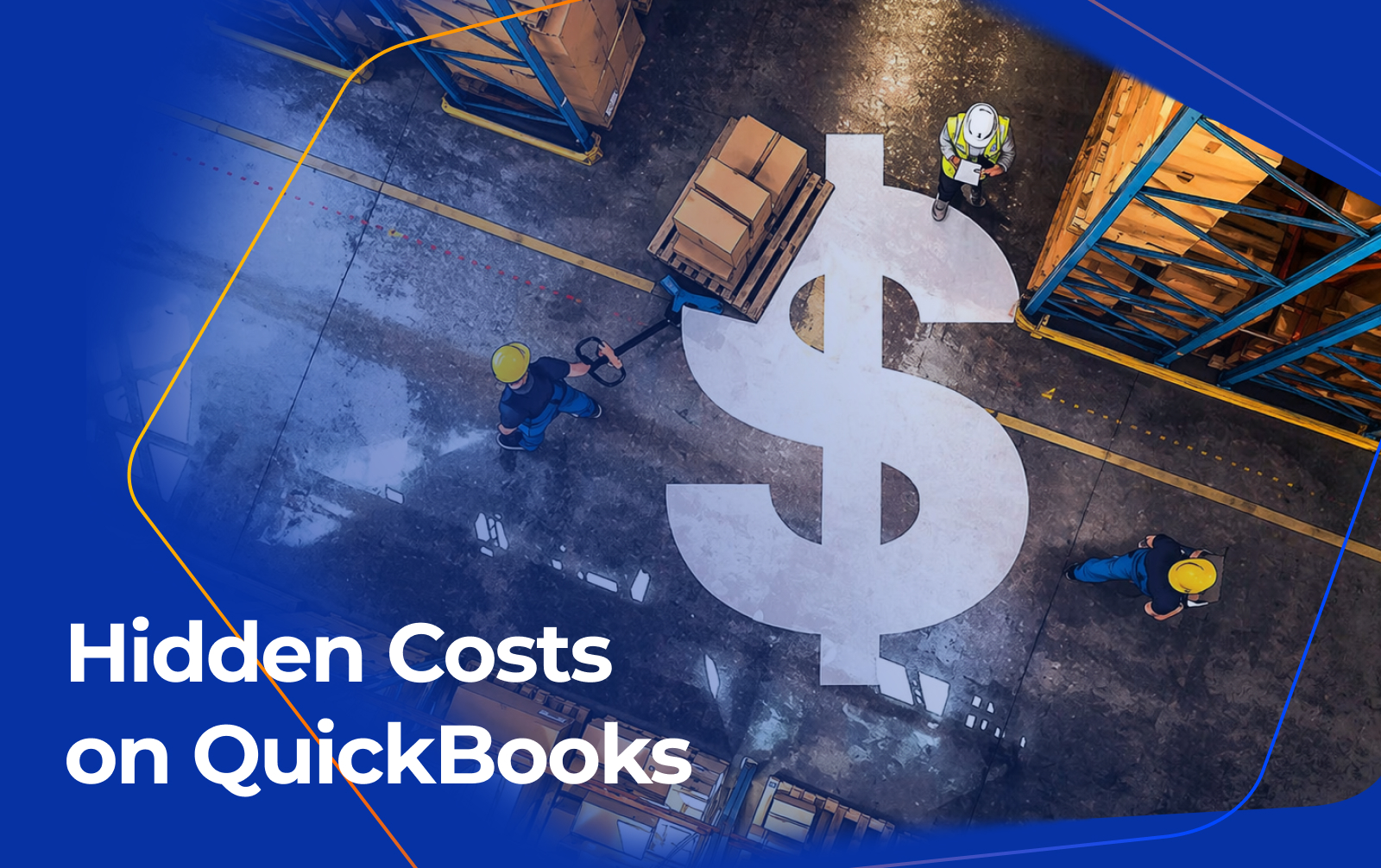
Hidden Costs on QuickBooks and How Business Central Pays for Itself
QuickBooks can work well at first. However, many growing businesses outgrow it quickly. The hidden costs of QuickBooks show up in wasted hours, extra apps, and weak reports. Also, these problems can slow growth and lower profit. Microsoft Dynamics 365 Business Central gives you one system for finance, inventory, sales, and operations.
Why QuickBooks feels cheap
QuickBooks looks affordable in the beginning. However, the monthly fee is only part of the story. Once your team grows, the real costs start to rise. You may need more apps, more workarounds, and more manual entry.
Because of that, many companies spend more than they planned. They also lose time each day fixing problems that should not exist. In other words, the software becomes a hidden drain on margin.
What the hidden costs include
The hidden costs of QuickBooks are easy to miss. However, they add up fast. They often include manual data entry, delayed reporting, inventory mistakes, and extra software fees.
For example, teams often retype the same order data into different systems. Also, they build spreadsheets to fill reporting gaps. That wastes time and increases the chance of errors.
Why growing businesses outgrow it
QuickBooks works best for simple accounting. However, wholesale distributors, manufacturers, and retailers usually need more. They need stronger inventory control, better approvals, and faster reporting.
Also, growing teams need a system that supports many users and many locations. Microsoft’s Business Central inventory setup supports locations, transfer routes, and item control, which helps larger operations stay organized.
How Business Central helps
Microsoft Dynamics 365 Business Central is a cloud ERP system from Microsoft. It brings finance, sales, purchasing, inventory, and reporting into one place. Also, it connects with Microsoft tools that many teams already use.
Because everything lives in one system, your team works faster. They spend less time fixing data and more time running the business. Microsoft also highlights inventory forecasting and inventory management as core strengths.
Key benefits
-
Saves time by reducing manual entry.
-
Replaces many add ons with one system.
-
Improves reporting with live data.
-
Supports better inventory control.
-
Scales as your company grows.
-
Helps leaders make faster decisions.
A simple business example
Imagine a 25-person distributor using QuickBooks and several add ons. Each week, the team spends hours fixing errors and checking inventory. Also, month end close takes too long.
After moving to Business Central, the team uses one system for finance and inventory. Therefore, they cut manual work and get better reports. That helps them grow without adding more software chaos.
Why Florida businesses care
Florida businesses deal with growth, seasonal swings, and tight supply chains. Also, companies in Sarasota often want local help from people who understand those pressures. That makes ERP planning more practical and less risky.
Because of that, many companies look for a Business Central partner in Florida. They want a local guide who can help with setup, training, and support.
Local business challenges in Florida
Florida companies often manage multiple locations, fast-moving inventory, and changing customer demand. However, QuickBooks can make those jobs harder than they should be. It is not built for deep warehouse and inventory workflows.
Also, when your team grows, small software problems turn into daily bottlenecks. A stronger ERP system helps reduce those bottlenecks before they hurt service or cash flow.
FAQ
1. Is QuickBooks enough for a growing business?
QuickBooks can work early on. However, many businesses outgrow it when they need better inventory, reporting, and workflow control.
2. What is Business Central?
Business Central is Microsoft’s cloud ERP system. It helps companies manage finance, sales, inventory, purchasing, and reporting in one place.
3. Does Business Central help with inventory?
Yes. Microsoft provides inventory management, inventory setup, and forecasting tools. Also, it supports locations and warehouse activity.
4. Why do businesses switch from QuickBooks?
They switch because they need more control, better reporting, and fewer manual tasks. Also, they want a system that can grow with them.
5. Is Business Central a good fit for Florida companies?
Yes. Florida businesses often need strong inventory control and scalable processes. Also, local support from a Business Central partner in Florida can make the move easier.
How Navisiontech can help
Navisiontech helps companies move from QuickBooks to Business Central with less stress. First, the team reviews your current setup. Then, it maps your data, processes, and goals.
Also, Navisiontech can help with implementation, training, and support. That means your team gets a clearer path from QuickBooks to a system that can scale.
Book a free ERP assessment
Book a free ERP assessment with Navisiontech today. Get a clear view of your hidden QuickBooks costs. Also, see how Business Central can pay for itself.







Leave A Comment